Make your first AI image
Copy a prompt, choose an image tool and improve one detail.
Choose an example
Open an image prompt whose result matches the kind of image you want. Start with its existing subject before making major changes.
Copy and open a tool
Press Copy prompt, then open ChatGPT, Gemini or Adobe Firefly. Choose image creation where your tool offers it and paste the prompt.
Make one change
Try a new color or subject. Keep the lighting and composition instructions so you can see which change affected the result.
Inspect and save
Check faces, hands, text and object edges. Save the version you like and keep the prompt alongside it.
See a practical example
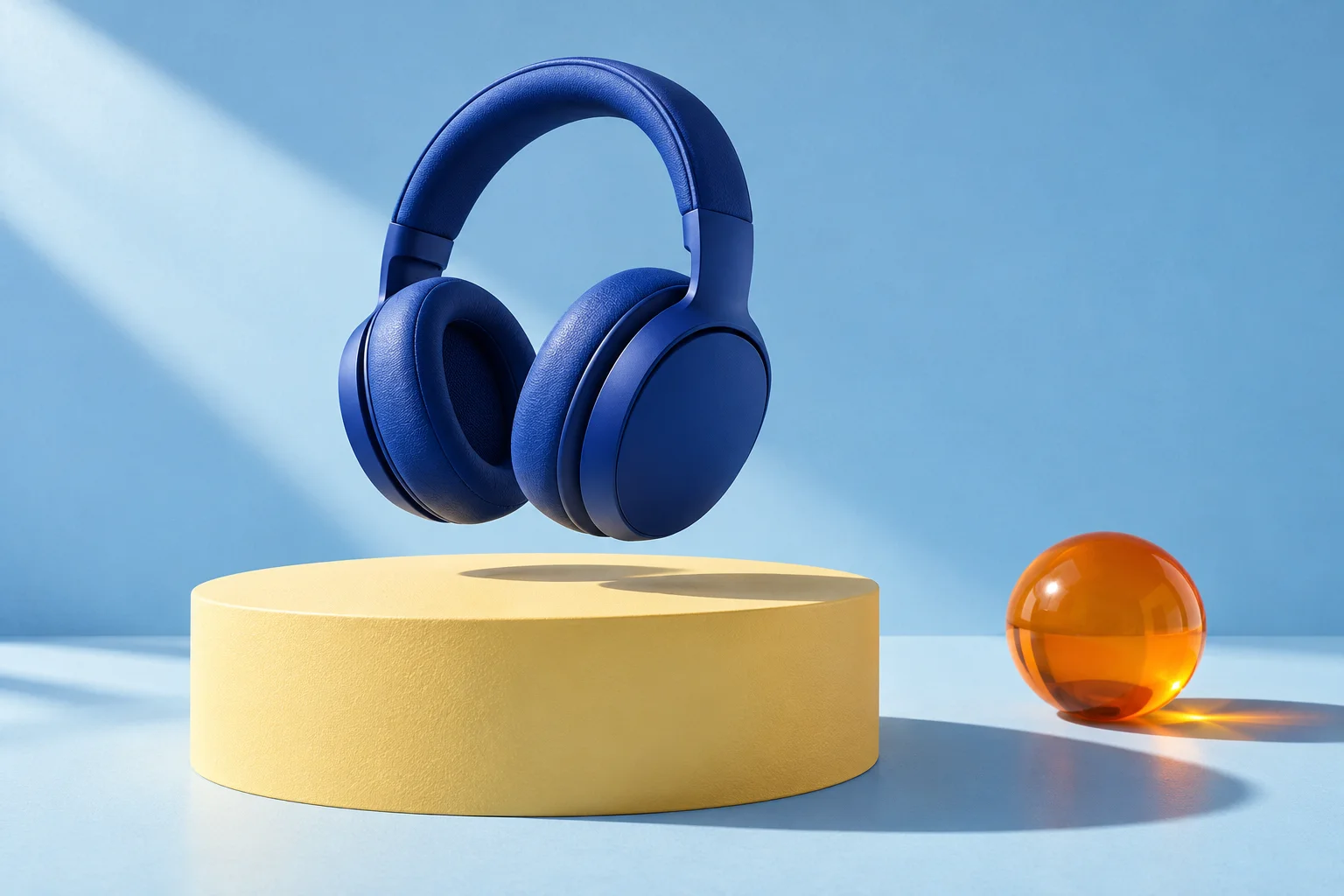
The library’s blue-headphone image is a useful first exercise: keep the lighting and replace the headphones with a ceramic lamp.
Choose a tool
Making product images? Start with your own product reference and check its shape, materials and packaging after generation. Choose a product photography example →
For a profile portrait, use a reference photo you have permission to use, then check that facial features, age and skin tone remain accurate. Try a LinkedIn headshot setup →