Turn one useful lesson into a swipeable carousel
Make every slide teach something concrete.
Inputs & setup What you need before copying
Bring: LESSON; AUDIENCE; SOURCE NOTES
Best for: Writing & content
Use this prompt with: A text assistant that supports your inputs.
Choose a tool that supports the files or features listed above.
Example result
Sample input
Lesson: clearer event invitations. Audience: volunteer organizers. Notes: state date, time, location, who it is for, what to bring and how to reply.
1. Make your invitation easy to answer — Put the essentials together. Visual: one simple invitation. 2. Do not hide the date — Readers should not have to search. Visual: date highlighted. 3. Say who and where — Name the audience and exact venue. Visual: two labelled lines. 4. Make the next step clear — Tell people what to bring and how to reply. Visual: checklist. 5. Try this structure — “Saturday, 10am, community hall. Beginner volunteers welcome. Bring water. Reply by Thursday.” Visual: filled example. 6. Before you send — Date, time, place, audience, bring, reply. Visual: six checkboxes. Caption: A clear invitation answers the practical questions before someone needs to ask.
Make it yours Fill in your details
Optional. Your details stay in this browser tab.
Read full prompt
Turn [LESSON] into a six-slide carousel for [AUDIENCE]. Use only [SOURCE NOTES]. For each slide provide a title under eight words, body under 35 words and a simple visual instruction. Structure: clear promise, common mistake, step one, step two, worked example, recap checklist. Avoid invented statistics, engagement bait and repeated advice. Include one accessible caption summarizing the lesson.
Try a variation 1 ideas
After your first result, try one of these follow-ups.
- Adapt the six slides for a book-club meeting without adding unsupported event details.
Check your result
- Confirm all event details and ensure the final artwork is readable on a phone.
Where do I use this prompt?
Copy it into ChatGPT, Claude, Microsoft Copilot.
More from the Viral prompts collection.
All 169 prompts ↗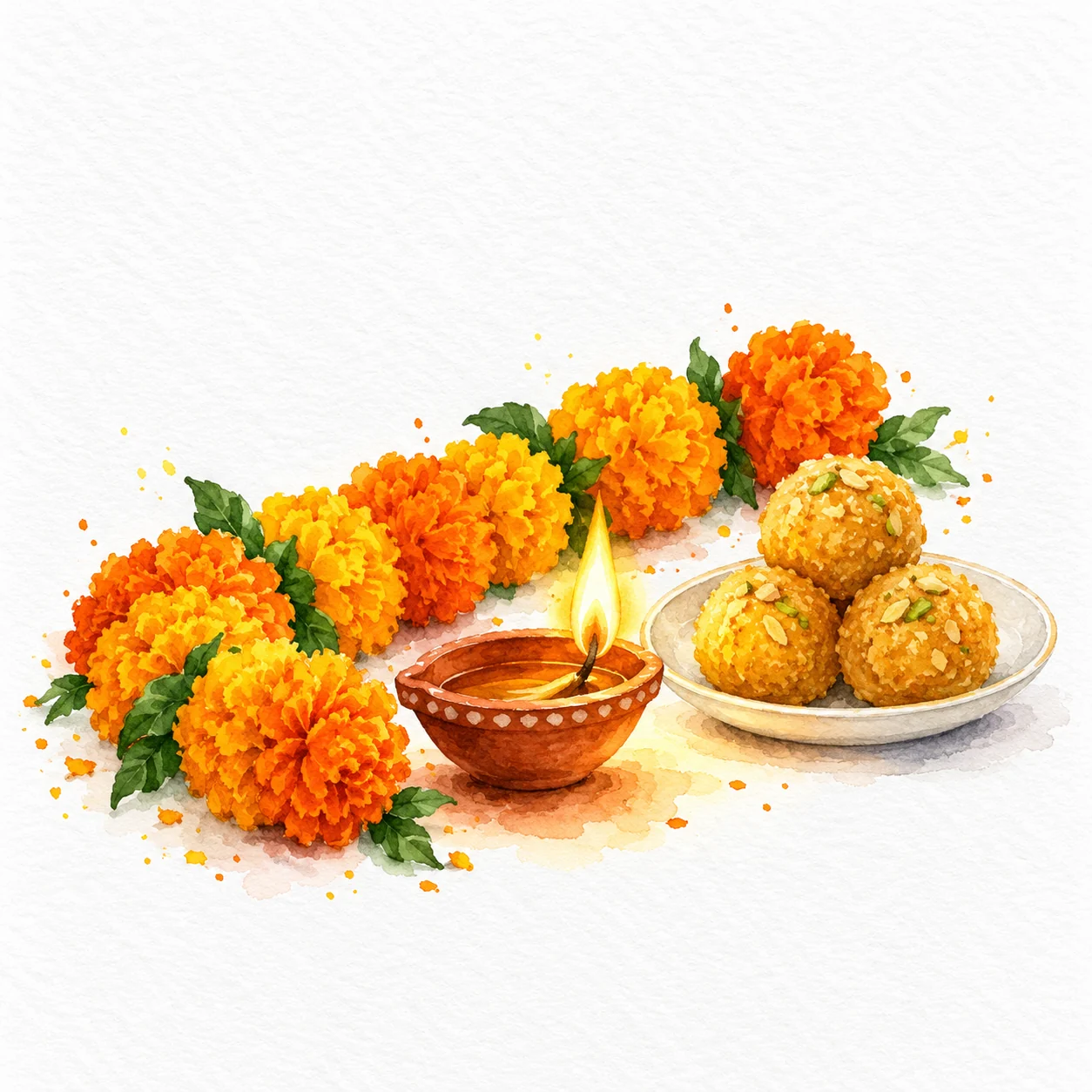 Image prompt / Viral prompts
Watercolor diyas, marigolds and sweets
Create a light watercolor arrangement with room for your greeting.
Generated example Image prompt / Viral prompts
A simple gold and terracotta diya illustration
Explore a simple lamp illustration for a festive card.
Generated example Image prompt / Viral prompts
A Diwali neighbourhood glowing at twilight
Capture colourful lanterns, warm homes and an evening walk.
Generated example