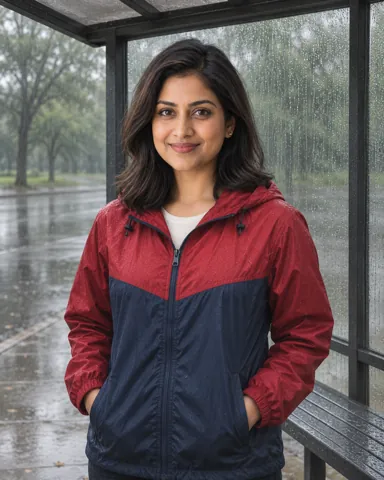
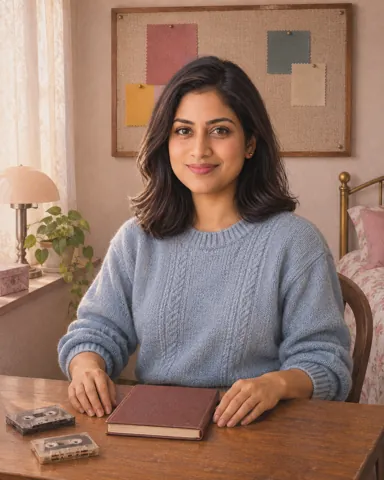
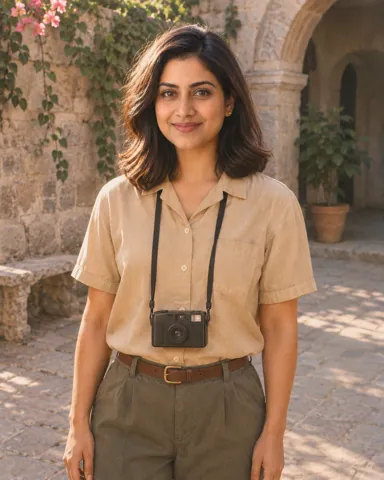
← Explore the libraryUse Your Photo
Place your photo in a private-jet window seat
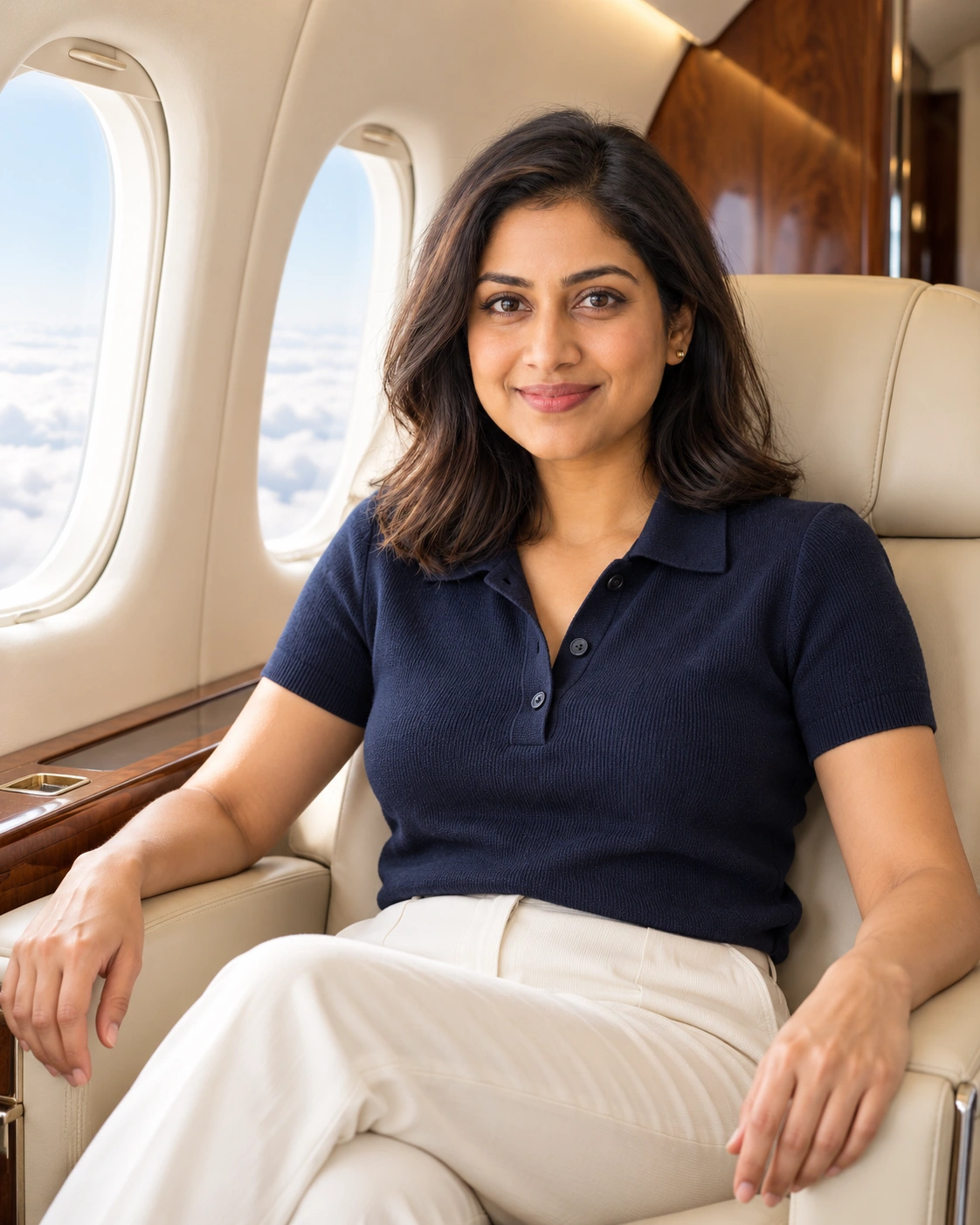
Combine a natural seated pose with a cream cabin, oval windows and soft cloud light. Upload your own photo to try it.
Inputs & setup What you need before copying
Bring: One clear photo of yourself, with the face visible. Use a wider photo if your original body and pose should be preserved.; Optional: your outfit, background colours or destination preference.
Start here: Upload your photo in an image editor that accepts reference images, then paste this prompt. For someone else’s photo, get their permission. The displayed example uses a generated fictional adult. The scene is an imaginative edit; keep your caption clear when sharing a made-up travel setting.
Example generated with: ChatGPT image editing.
Other suggested tools: Gemini.
Example result
YOUR STARTING POINT
Read full prompt
Use the uploaded photo as the identity reference. Edit this same person into the scene below. Preserve their face shape, eyes, nose, mouth, skin tone, apparent age, natural hair colour and length, and distinctive features. Keep glasses and familiar small accessories if present. Do not beautify, reshape or replace the face. Use exactly one person. Sitting naturally in one cream leather private-jet cabin window seat, wearing a navy knit polo and light trousers. Two small oval windows show a bright cloud layer. Soft daylight with a gentle warm cabin fill, believable seat scale and cabin perspective, relaxed hands resting on the armrests, no drinking glass, luxury travel editorial, portrait 4:5.
Try a variation 2 ideas
After your first result, try one of these follow-ups.
- Keep my face and the same scene; change only the outfit to my preferred colours.
- Keep the same styling and widen the crop to leave space for a caption added afterward.
Check your result
- Compare facial proportions, eye shape, hair and skin tone with your reference; correct any identity drift.
- Inspect hands, reflections, cutout edges and lighting at full size before saving.