← Explore the libraryCreative Image
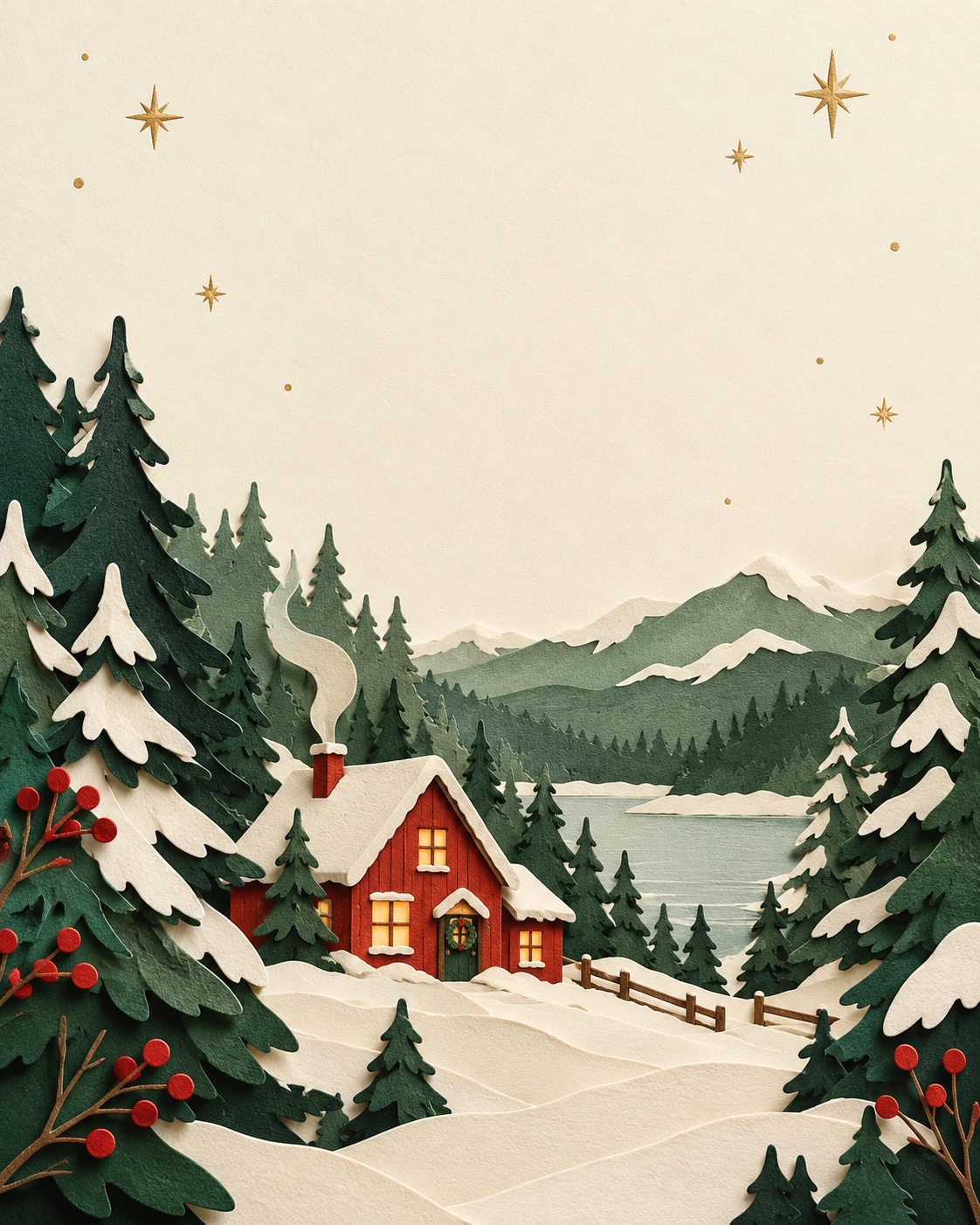
A layered paper Christmas card background
A layered paper-cut winter forest with a small red cottage and glowing windows in the lower half.
Inputs & setup What you need before copying
Bring: Ready-to-copy scene, or your preferred subject, colours and framing
Start here: Use an image-generation mode, not a text-only chat. The example is retained from its original generation. For a greeting card, add the final wording in a design editor after generating the background.
Other suggested tools: ChatGPT, Gemini, Midjourney, Adobe Firefly.
Example result
YOUR STARTING POINT
Read full prompt
Create an original image: A layered paper-cut winter forest with a small red cottage and glowing windows in the lower half, simple star shapes and a spacious cream upper half. Handcrafted paper illustration with visible cut edges and delicate shadows, elegant green red and cream palette, portrait 4:5. No lettering, readable text, logos, brand marks or watermark. All people and products are fictional.
Try a variation 3 ideas
After your first result, try one of these follow-ups.
- Replace the cottage with a little red train and keep the upper half empty.
- Keep the same festive scene and lighting; make a landscape card background with an uncluttered area for my greeting.
- Keep the main subject and seasonal details; simplify background decorations so the image remains clear on a phone.
Check your result
- Compare the subject, framing and lighting with your requested scene.
- Check small details at full size before downloading or sharing.
- Check cultural details and any hands or faces. Add dates and greeting text separately so spelling stays under your control.
- Check the main subject, anatomy where present, material edges and small details before using the image.