Show the process behind a finished piece
Give viewers a useful detail they cannot see in the final image.
Inputs & setup What you need before copying
Bring: PROJECT; STEPS; REVISION
Best for: Writing & content
Use this prompt with: A text assistant that supports your inputs.
Choose a tool that supports the files or features listed above.
Example result
Sample input
Project: coffee-cup miniature concept. Steps: write scene prompt, generate, inspect, select. Revision: none yet; noticed counter appeared more wooden than terracotta.
1. Starting point: show the scene brief. “A tiny café, inside a cup.” 2. Decision: highlight scale and light instructions. “Small details need a clear lighting direction.” 3. Review: show the counter close-up. “The counter leaned toward wood. That is a detail to refine.” 4. Result: show the full generated image. “A fictional café, with room for another pass.” Lesson: inspect specific materials instead of judging only the overall mood.
Make it yours Fill in your details
Optional. Your details stay in this browser tab.
Read full prompt
Plan a four-frame behind-the-scenes post for [PROJECT]. Actual steps taken: [STEPS]. One mistake or revision: [REVISION]. Give a frame description and caption under 25 words for each: starting point, decision, revision and final result. End with one practical lesson. Do not invent effort, failures, tools or outcomes. Label any recreated scenes as recreations.
Try a variation 1 ideas
After your first result, try one of these follow-ups.
- Draft one follow-up instruction that changes only the counter material.
Check your result
- Label the output AI-generated and do not describe an unperformed revision as completed.
Where do I use this prompt?
Copy it into ChatGPT, Claude, Microsoft Copilot.
More from the Viral prompts collection.
All 169 prompts ↗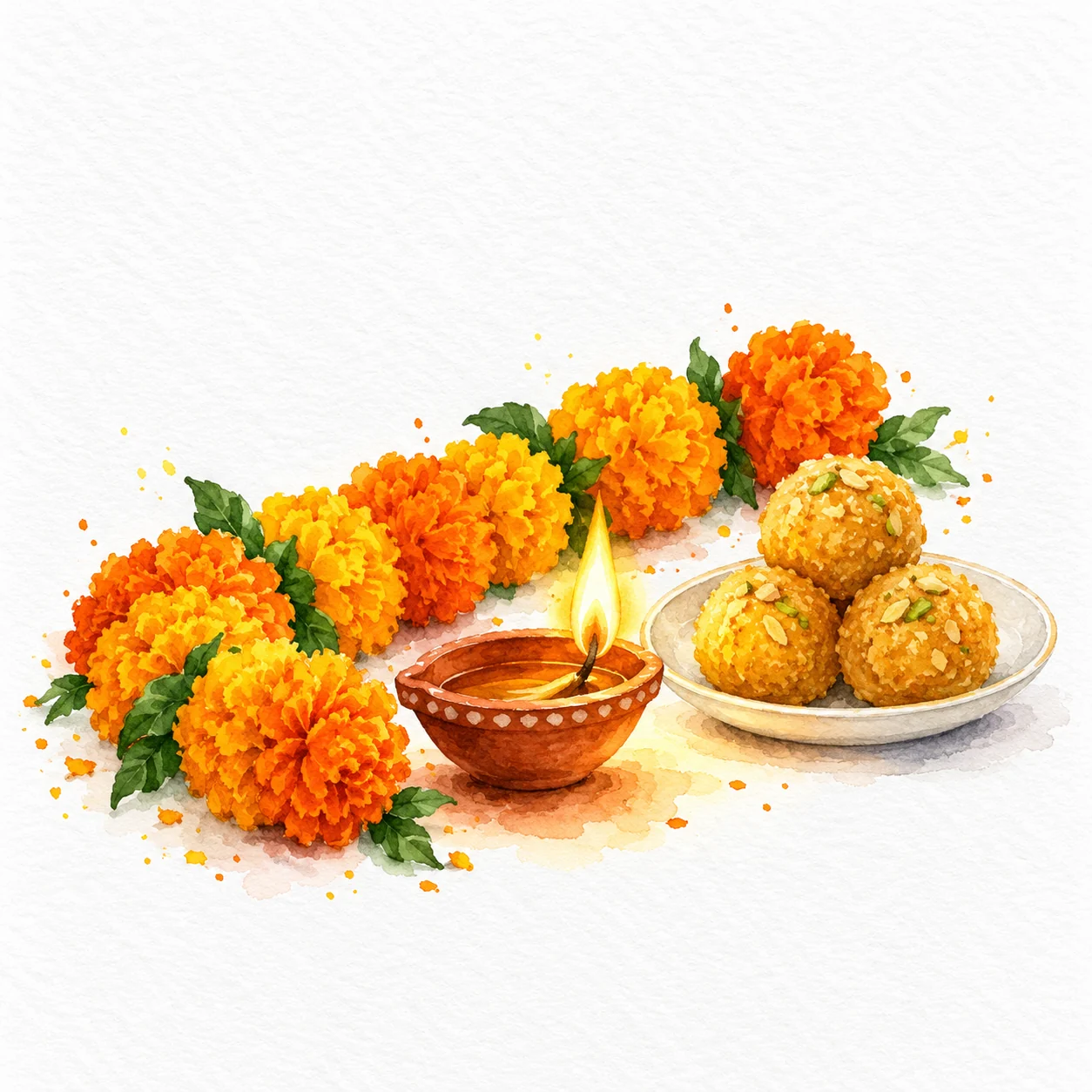 Image prompt / Viral prompts
Watercolor diyas, marigolds and sweets
Create a light watercolor arrangement with room for your greeting.
Generated example Image prompt / Viral prompts
A simple gold and terracotta diya illustration
Explore a simple lamp illustration for a festive card.
Generated example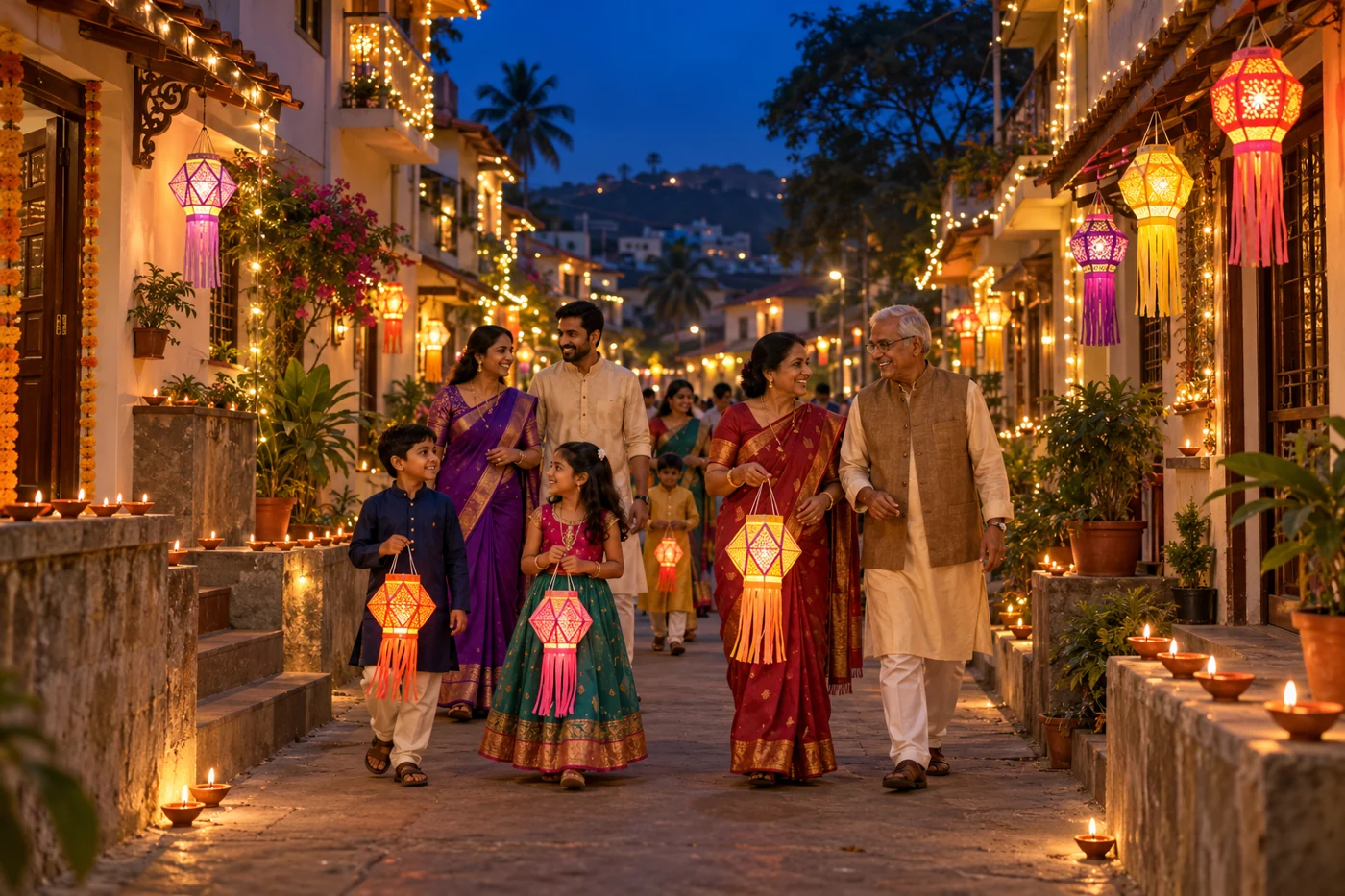 Image prompt / Viral prompts
A Diwali neighbourhood glowing at twilight
Capture colourful lanterns, warm homes and an evening walk.
Generated example